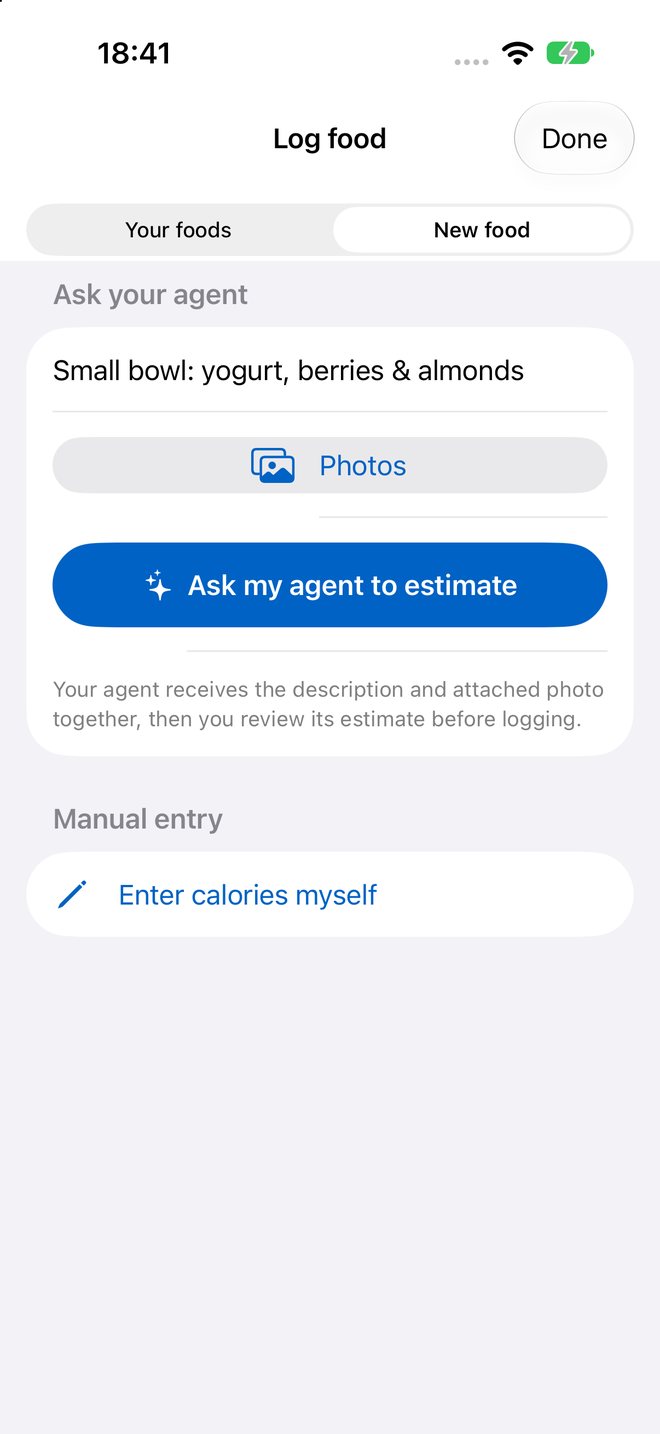
Ask your agent
Describe a new food and add a photo. Your agent receives both together, or you can enter calories yourself.

Bring your own AI agent
Describe a meal or snap a photo. Your agent proposes a rough estimate with its reasoning, and you decide what gets logged. Every food you approve joins your own library for one-tap repeats.
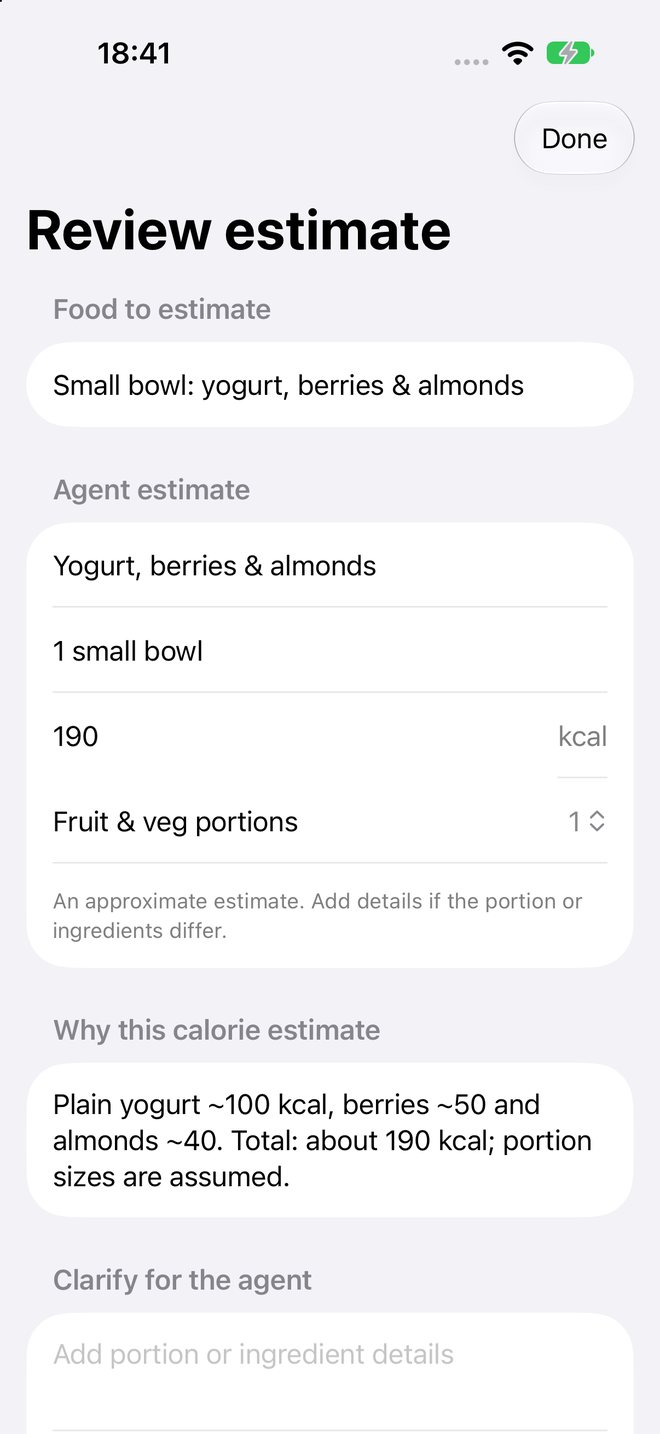

Inside the app
No built-in food catalogue and no bundled model. Your library grows from the foods you approve or enter yourself, and manual logging is always there.
Describe a new food and add a photo. Your agent receives both together, or you can enter calories yourself.
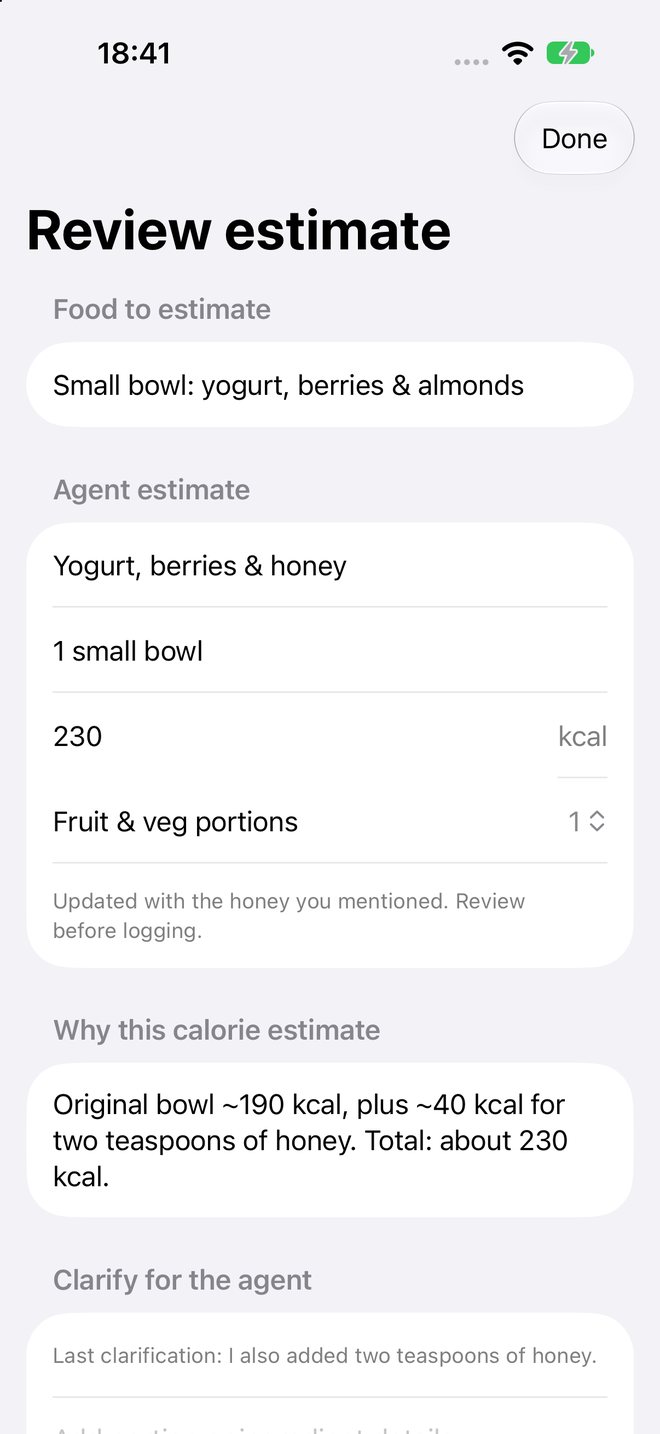
See the agent’s reasoning, add a detail it missed, and get a revised estimate before anything is logged.
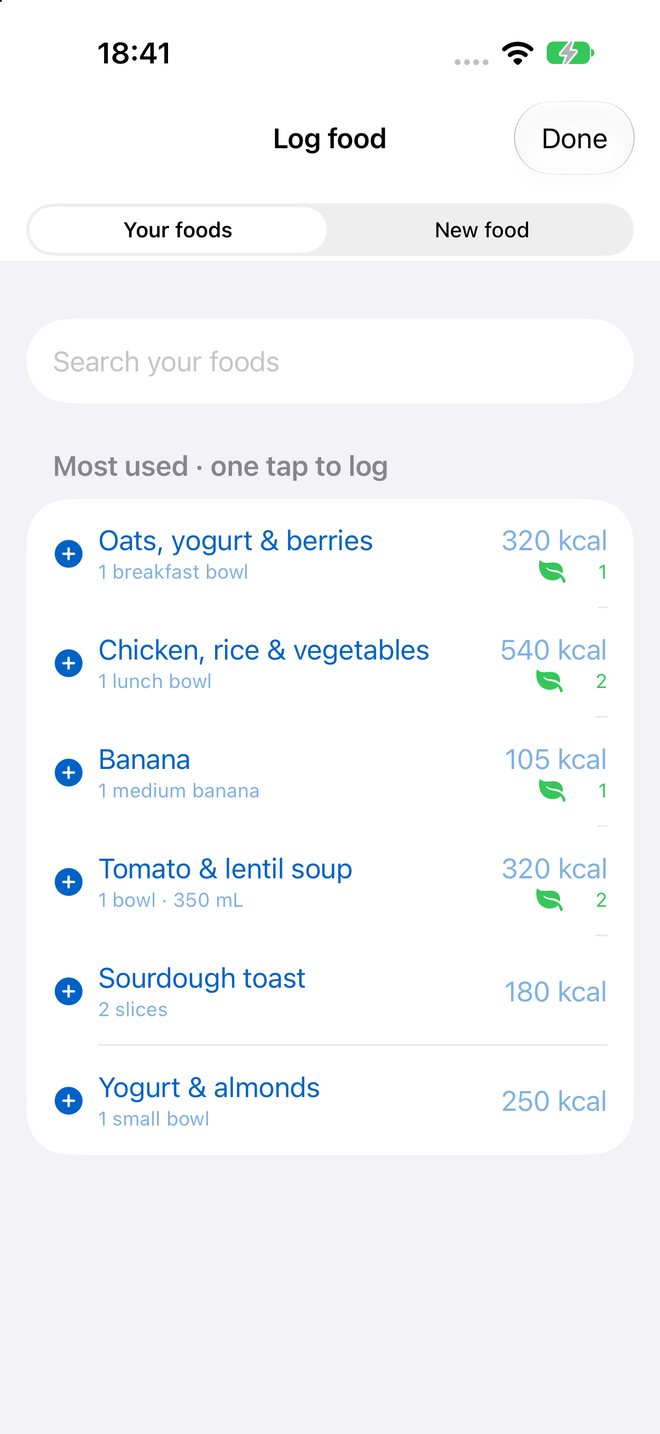
Approved foods become yours. Your most-used foods are one tap away next time.
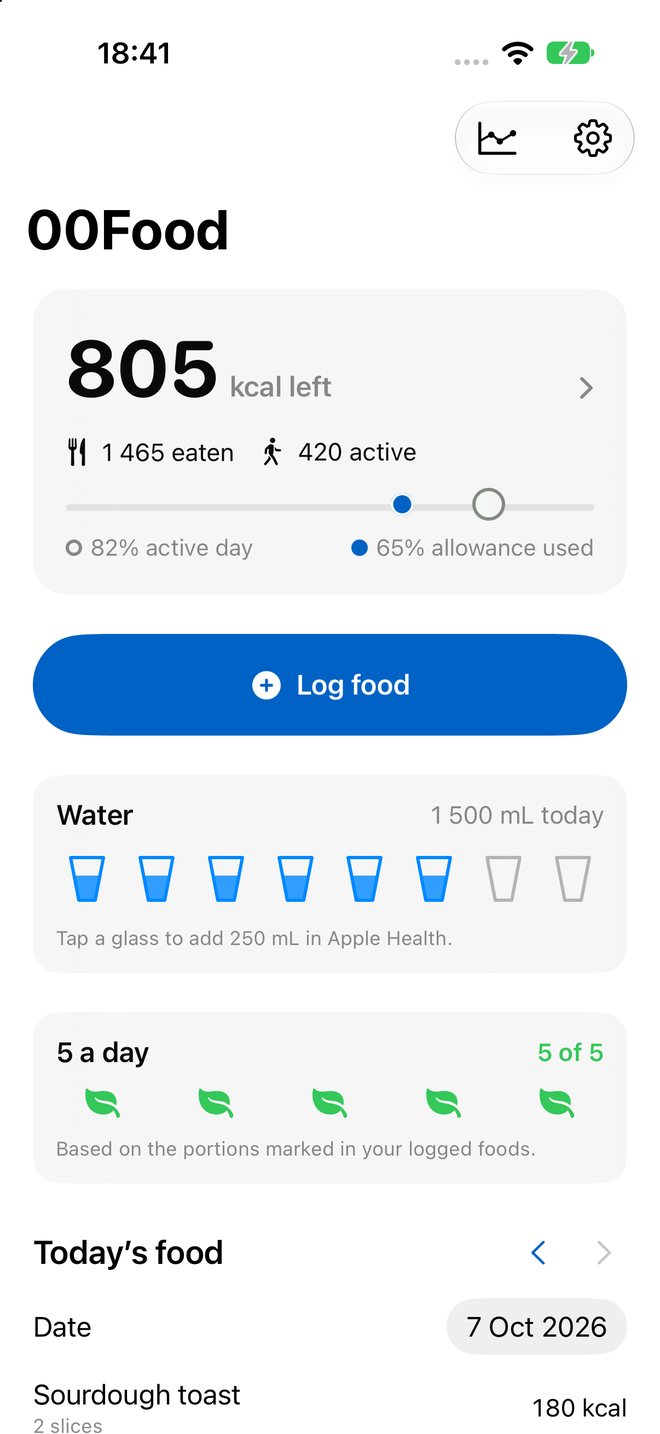
A rough daily balance with Apple Health activity, plus water and fruit-and-vegetable portions.
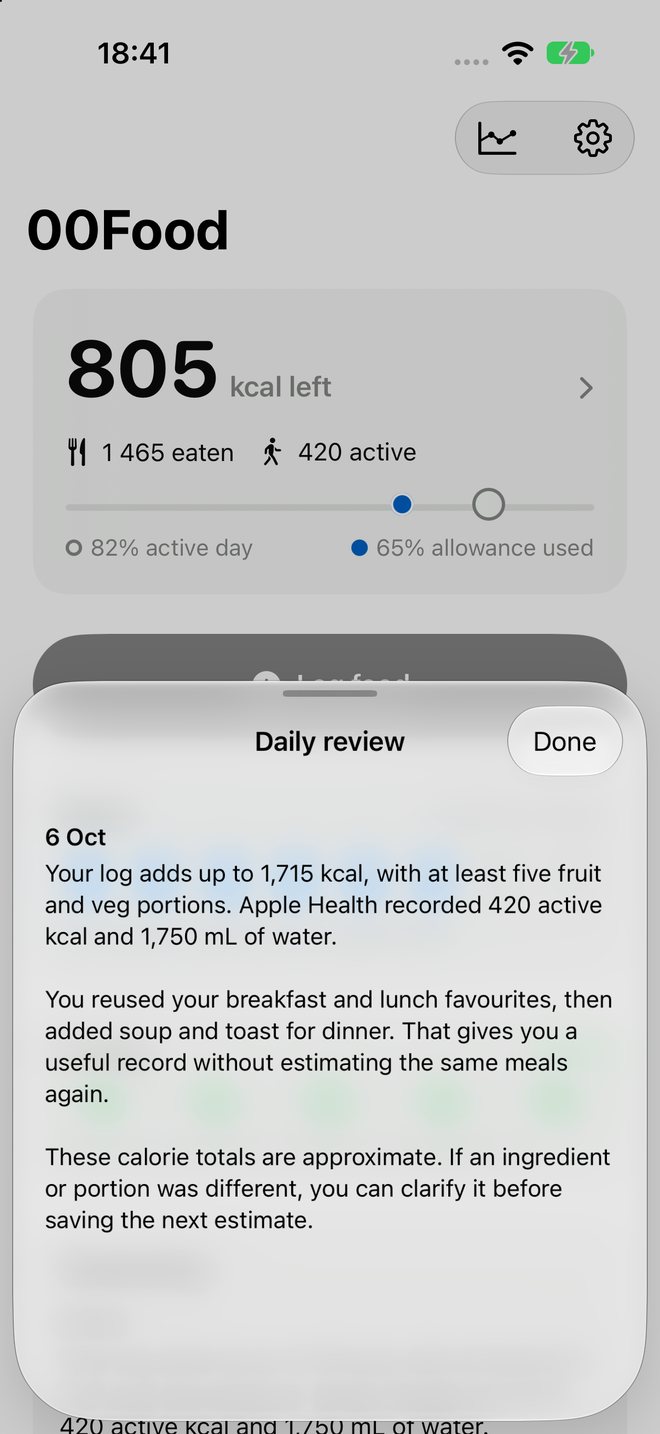
Ask for an optional daily review. Your agent reads the day’s log and Health totals you chose to share.
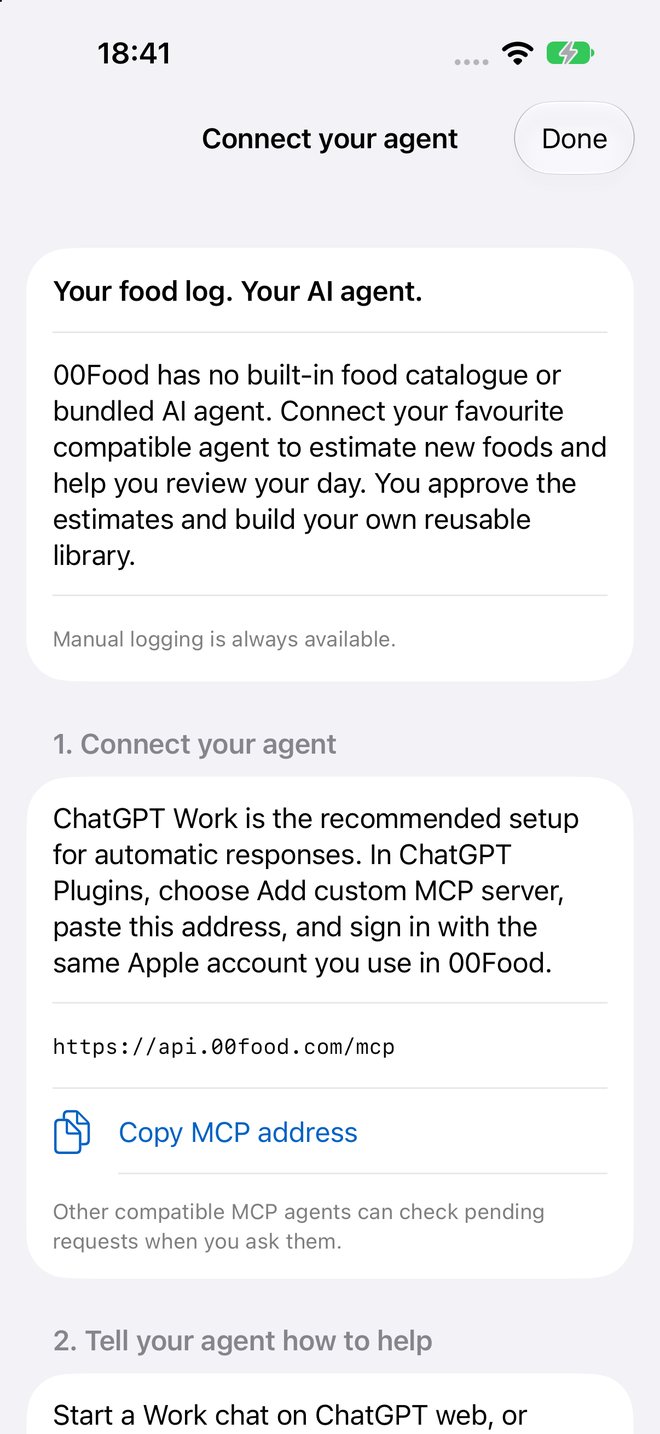
Connect any compatible MCP agent. Each one gets only the permissions you approve, and you can revoke it from the app.
00Food + your agent
Add 00Food as an MCP server. With MCP Events, your agent can respond when you request an estimate, add context, or ask for a daily review, without you asking it to check each time. ChatGPT Work is the recommended setup for automatic responses.
Connect in three steps
https://api.00food.com/mcpConnecting alone does not enable automatic responses. Other compatible agents can check pending requests when you ask. See the agent setup guide.